Production brief
Choose a project to build your brief.
DN Production / Pre-production
Choose how your video should look and sound. Leave with a brief your team can review and DN can quote.
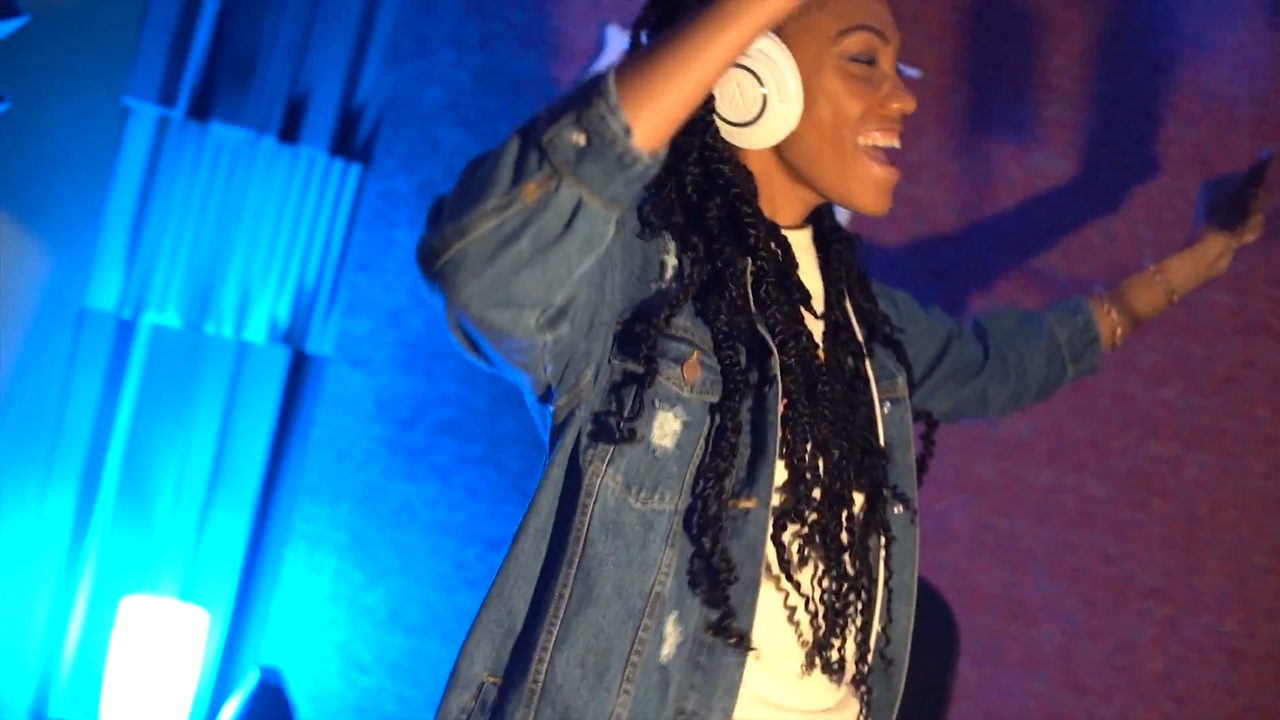
Atmosphere & location
Find a look, check the details, and decide what to ask the location before you shoot.
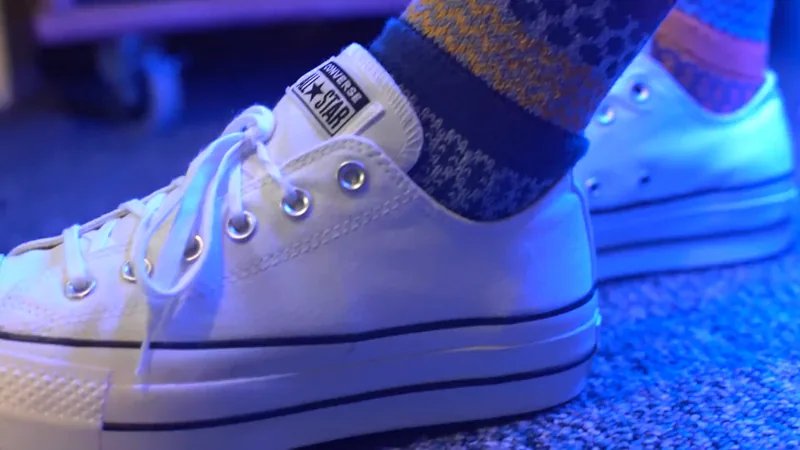
A fabric sketch shows where folds and fine detail can stay legible.
Haze overlays and fabric sketches are planning examples. The campaign reference comes from the finished Solmate Socks film.
Frame & edit
Use the Solmate Socks campaign to compare what stays in frame and what fits in a shorter edit.
These are timed previews of the film. Your producer will plan the edit for each placement.
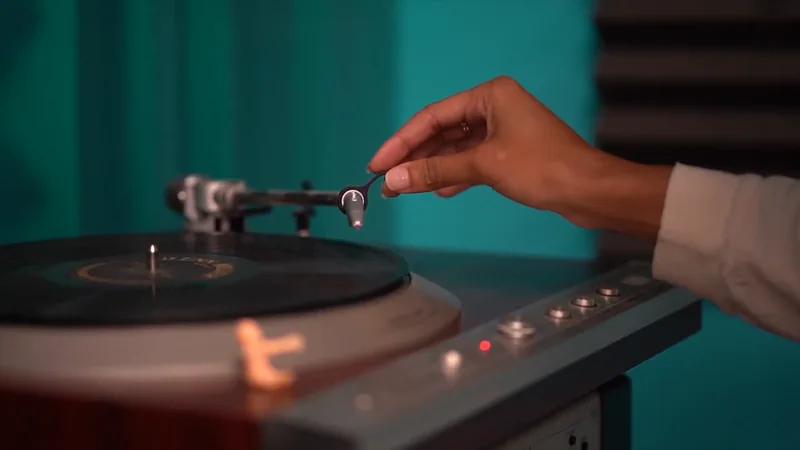
Opening hook
A hand lowers a needle onto a record. The action establishes the rhythm before introducing the product.
A standard-lens reference keeps the product shape familiar across the frame.
The effect is an optics simulation. The campaign film also has normal playback controls.
Lighting & grade
Compare one lighting setup at a time, mark the room, and save colors that matter to the project.
The lighting study loads when it comes into view.
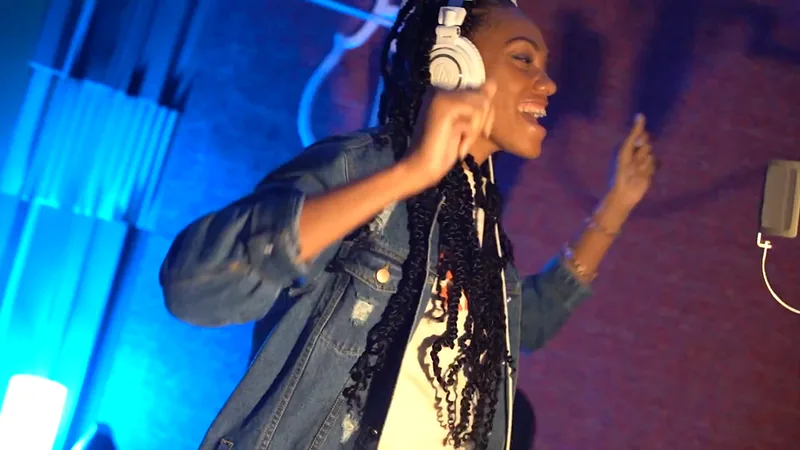
The lighting model and color treatments illustrate direction. The still is already graded.
Use a soft key for the speaker and lift the shadows with fill.
Sound & delivery
Hear the same line in different rooms. Choose what to record, how to balance it, and which files the team needs.
Dialogue demonstration
“Light. Camera. Action.”
The original synthetic dialogue is reused across simulated rooms and playback settings.
Sound is off.
Production brief
Review your plan, then copy or download your brief for the original DN Production inquiry or calculator.
Your choices stay in this browser tab. Copy or download your brief before opening the quote form or calculator.
Choose a project type to enable copying and downloading.
Choose a project to build your brief.